Self-Host n8n With Docker Compose and PostgreSQL
Run n8n on Docker Compose with PostgreSQL and ngrok. Unlimited workflows, $0 SaaS fees, one docker compose up.
On this page
Introduction
To self-host n8n with Docker Compose, you run one docker compose up that starts n8n, PostgreSQL, and ngrok. You get unlimited workflows, unlimited executions, and your data on disk you control. Zapier’s free plan caps you at 100 tasks a month. Make caps operations. n8n Cloud is metered. This stack is not.
The part that usually stops people is not the n8n image. It is the rest: a database that survives restarts, a public webhook URL without opening port 5678, and a first workflow you can import as JSON. That is what this guide wires.
Why Self-Host n8n Instead of Paying for a SaaS Automation Tool
n8n’s self-hosted plan is genuinely free. Not “free for 14 days” free. Not “free until your first 100 tasks” free. Free as in you install it and run it forever with no workflow limits.
Compared to the alternatives:
| n8n Self-Hosted | Zapier Free | Make Free | |
|---|---|---|---|
| Workflows | Unlimited | 5 (single-step) | Unlimited |
| Tasks / Ops | Unlimited | 100 / month | 1,000 / month |
| Data ownership | You control it | Their cloud | Their cloud |
| Monthly cost | $0 + infra | $0 (capped) | $0 (capped) |
| Multi-step logic | Yes | No | Yes |
| Code / custom nodes | Yes | Only on paid | Limited |
The only real cost is the infrastructure. A self-hosted n8n Docker stack on your laptop costs nothing. For 24/7 uptime, a cloud VM is ~$5/month on most providers, or $0/month on Oracle Cloud Always Free. We cover that at the end.
A self-hosted automation runner converts recurring operational expenses directly into controlled, private infrastructure. You transition from renting APIs to owning your automation fabric.
The Architecture (Mental Model)
Here is what the stack looks like before you write a single line of configuration:
Docker Host (your laptop or VPS)
├── n8n container        →  The automation engine (port 5678)
├── PostgreSQL container →  Stores workflow definitions, credentials, execution history
└── ngrok container      →  Creates a public HTTPS URL for incoming webhooks
Three containers, one docker-compose.yml, one command to start.
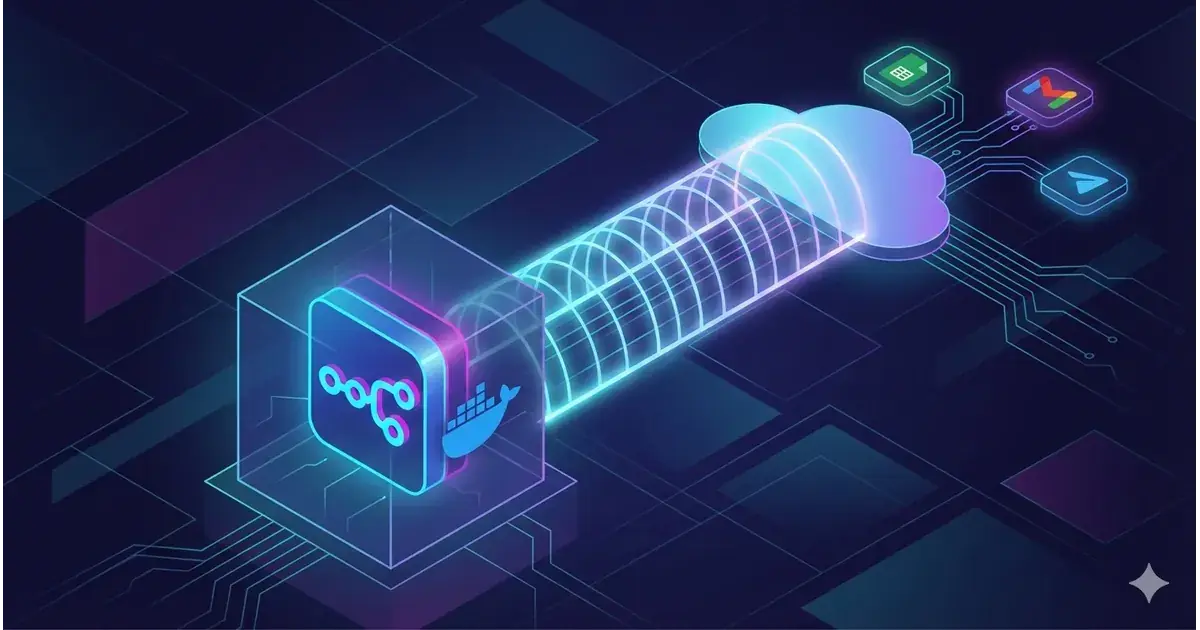
The key insight is the sidecar pattern: ngrok runs as a peer container alongside n8n, not as a separate service you install on your host. No ngrok binary to download. No brew install or apt-get. Docker handles everything. If you have worked with Docker-based self-hosting for AI services, this pattern will feel familiar.
Prerequisites
Three tools on your machine before you start:
- Docker Desktop (or Docker Engine + Docker Compose on Linux), the container runtime.
- Git, for cloning the starter repository.
- A text editor (VS Code, or anything that can edit
.envfiles).
Run this stack locally before committing to a paid automation platform. Start locally, import the JSON workflow, test the webhook path, and only then move the same Compose stack to a server.
Step 1: Clone the Starter Repository and Configure Environment
Pull the orchestration files. This repo contains a docker-compose.yml with all three services pre-configured, plus an example environment file.
git clone https://github.com/veristamp/n8n-Beginner-setup.git
cd n8n-Beginner-setup
Copy the environment template to create your configuration:
cp example.env .envThe .env file is where all customization happens. You will edit it in the next step.
Step 2: Set Up ngrok for Public Webhook URLs
n8n needs a public URL to receive webhooks from external services, form submissions, Stripe events, GitHub webhooks, anything that pushes data to you. Your laptop sits behind a NAT. ngrok creates a tunnel that gives you a stable public domain pointing to your local Docker container.
- Log in to the ngrok dashboard(opens in a new tab).
- Navigate to Cloud Edge → Domains and reserve a free domain (e.g.,
my-n8n-instance.ngrok.io). - Copy your Authtoken from the dashboard sidebar.
Open your .env file and fill in the two ngrok variables:
NGROK_AUTHTOKEN=2kH7x...your_token_here
NGROK_DOMAIN=my-n8n-instance.ngrok.ioStep 3: Launch the Stack
With .env configured, start everything:
docker compose up -dThe -d flag runs containers in detached mode so your terminal stays free. Behind the scenes, Docker:
- Pulls the n8n, PostgreSQL, and ngrok images (first run only).
- Creates a Docker network so the containers can talk to each other.
- Starts PostgreSQL first, waits for it to be healthy, then starts n8n and ngrok.
Wait about 15 seconds for the database to initialize. Then open https://your-ngrok-domain in a browser. You will see the n8n account creation page. Set your admin email and password, this is your local instance, not a cloud service, so nothing leaves your machine.
JSON Workflows: The Hidden Superpower of n8n Self-Hosting
When you self-host n8n, you unlock something SaaS automation tools cannot offer: workflow portability. Every n8n workflow is stored as a JSON file. You can export any workflow you build, commit it to a git repository, share it with your team, and import it into any n8n instance, self-hosted or managed. This is how professional automation engineers work: workflows-as-code, version-controlled, reviewable in pull requests.
Treating workflows as code is the dividing line between amateur integrations and enterprise-grade infrastructure. When your logic is in JSON, it belongs in git.
Importing the Pre-Built Lead Capture Workflow
The starter repo includes a ready-to-use workflow at workflows/lead-capture.json. Here is how to import it:
- In your n8n dashboard, click Workflows in the left sidebar.
- Click Add Workflow → Import from File.
- Select
workflows/lead-capture.jsonfrom the cloned repository. - Click Import. The full workflow renders on the canvas.
What the Lead Capture Workflow Does
The imported workflow models a common SaaS pattern, capturing leads from a landing page and routing them into your tools:
- Webhook, Receives form submissions as POST requests.
- Google Sheets, Appends each lead as a new row (your CRM, for free).
- Telegram, Sends you an instant notification (“New lead: name + email”).
- Gmail, Sends a welcome email back to the user automatically.
You are running the same pipeline people pay $30/month for on Zapier, locally, with no limits. For more on automation patterns and how tool-calling architectures are evolving beyond simple workflow triggers, see our guide on governed code execution.
Integrations: Connecting n8n to the Outside World
An automation engine without integrations is a fancy cron job. We will connect two services: Google (Sheets + Gmail) and Telegram.
Google OAuth (Sheets and Gmail)
n8n needs permission to read/write your Google Sheets and send emails through Gmail. This requires a Google Cloud Project with OAuth credentials.
- Go to the Google Cloud Console(opens in a new tab) and create a project.
- Enable the Google Sheets API and Gmail API.
- Create OAuth Client ID credentials (choose “Web Application”).
Copy the Client ID and Client Secret. In n8n, go to Settings → Credentials, find “Google Sheets” and “Gmail,” and paste them in. n8n handles the OAuth token exchange automatically.
Telegram Bot for Instant Notifications
Telegram’s Bot API is one of the simplest integrations in n8n, no OAuth, no redirect URIs, just a token.
- Open Telegram and message
@BotFather. - Send
/newbotand follow the prompts (give it a name and username). - Copy the API token BotFather returns.
- In n8n, create a Telegram credential and paste the token.
That is it. Your workflows can now send Telegram messages, useful for alerts, lead notifications, or status updates.
Testing the Pipeline: A Minimal HTML Form
You do not need a frontend framework to test the webhook. Create an index.html file and open it in a browser:
<form action="https://YOUR_NGROK_DOMAIN/webhook/form" method="POST">
  <input type="text" name="name" placeholder="Your Name" required />
  <input type="email" name="email" placeholder="[email protected]" required />
  <button type="submit">Get Early Access</button>
</form>
Submit the form. Within seconds, you should see a new row in Google Sheets, a Telegram notification, and a welcome email in your inbox. The pipeline works end to end.
Troubleshooting
Even with Docker, things fail. Here are the fixes for the three most common issues:
-
502 Bad Gateway on first visit, n8n is still booting. The container starts, but the Node.js process inside takes 30-60 seconds to initialize the database schema. Wait a minute and refresh. If it persists after 90 seconds, check
docker compose logs n8nfor errors. -
PostgreSQL Unhealthy / Database Corrupted, If you force-killed Docker or the machine lost power mid-write, the database volume might be in an inconsistent state. Reset it (warning: this deletes all workflow data):
docker compose down -v && docker compose up -dThe
-vflag removes the PostgreSQL volume. On the nextup, Docker creates a fresh database. Import your workflows from the JSON backup you saved earlier. -
Google OAuth Redirect URI Mismatch, The error message is vague (“invalid redirect URI”), but the fix is always the same: open the Google Cloud Console, go to the OAuth Client ID settings, and verify the redirect URI matches
https://YOUR_NGROK_DOMAIN/oauth2/callbackexactly. No trailing slash. Nohttp(must behttps). No typos in the domain.
Taking It Further: 24/7 Uptime on Oracle Cloud Always Free
This setup runs on your laptop, which means it stops when you close the lid. For production use, you need a server that stays on.
Oracle Cloud Always Free still gives you a VM that stays on. The 1GB AMD Micro is the easy shape. Ampere A1 was cut in August 2026 from 4 OCPUs / 24GB to 2 OCPUs / 12GB total, so do not size a compose stack against the old numbers. The same docker compose up works on either shape.
Self-host n8n on Docker locally first, then move the same setup to Oracle when your workflows need real uptime. That is the clean upgrade path.
Read our step-by-step guide: Oracle Cloud Always Free Telegram bot + AI agent. It covers VM provisioning, Tailscale, and systemd. Swap PicoClaw for this compose file.
Running n8n on a free cloud VM means webhook URLs stay alive, schedules fire when your laptop is closed, and Telegram notifications do not wait on your lid.
Frequently asked questions
Can I self-host n8n with Docker Compose for free?
Yes. The n8n image is free to run. Pair it with PostgreSQL in the same compose file and you have no workflow cap and no per-task bill. You still pay for whatever VM or laptop you put it on. Oracle Always Free is one $0 option if you keep the instance on an Always Free shape.
Does self-hosted n8n need PostgreSQL?
SQLite is the default and is fine for a laptop trial. Use PostgreSQL if more than one person will edit workflows, if you care about concurrent writes, or if you want pg_dump backups. This compose file uses Postgres from the first up.
How do I get n8n webhooks without opening port 5678?
Put ngrok (or Tailscale + a reverse proxy) in front of n8n. Do not publish 0.0.0.0:5678 on a public VPS. The editor, credentials, and execution history sit behind that port.
Will my n8n workflows survive docker compose down?
Yes, if the Postgres volume and the n8n data volume are named volumes, not anonymous ones. docker compose down -v deletes them. Export JSON backups before you use -v.
Conclusion
When you self-host n8n on Docker, you get the full power of a SaaS automation platform at zero recurring cost. No workflow limits. No opaque per-task pricing. No vendor lock-in. You own your data, your execution history, and your integrations, and a docker compose up is all it takes to bring the stack online.
The key pieces we put together:
- Docker Compose bundles n8n, PostgreSQL, and ngrok into one coherent stack.
- ngrok as a sidecar eliminates port forwarding and static IP management.
- JSON workflows give you reproducibility, version control, and portability across instances.
- Google + Telegram integrations create a real lead capture pipeline that would cost $30+/month on Zapier.
Start with the repo. Import the workflow. Then build your own.
Clone the starter repository →(opens in a new tab)
Browse more self-hosted guides and engineering posts on the VeriStamp Journal.